Frequency Capping
The Frequency Capping feature in the Campaign Configuration section helps you manage how often your audience receives communications, preventing overcommunication and improving user engagement.
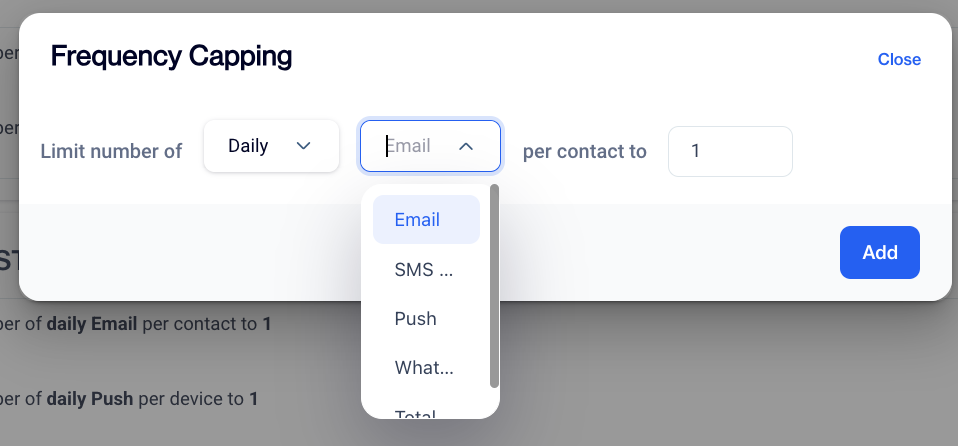
Frequency Capping
General Rules
Displays a summary of current frequency capping settings. To add a new rule, set the timeframe (e.g., daily, weekly), communication type (e.g., email, push), and limit (e.g., 5 daily emails). Save the rule by clicking Add.
NoteFrequency capping is enforced at the contact level, but delivery may occur through multiple devices associated with that contact. For instance, if a contact has multiple devices (e.g., phone, tablet), the system may deliver one message to each device. As a result, it may appear that more than one message has been sent to the same contact, even though the rule (e.g., 1 Daily Push) is in effect.
Rules for Send Tags
Summarizes capping rules for specific audience tags. Create a rule by selecting a timeframe, communication type, and limit for the chosen tag. Use the Tag Selector Table to pick tags and click Add to save.
Tag Selector Table (Options):Provides a list of available tags that can be selected when adding new rules, allowing users to apply frequency capping to specific segments of their audience.
Frequency Capping Exclusion
The Frequency Capping Exclusion feature introduces a new way to manage exceptions to your send limits. Located under the Audience Settings section, this enhancement allows you to define specific contact groups that are not subject to frequency capping rules, ensuring that high-priority users can receive uninterrupted communications.
Frequency Capping helps control how many times a contact can receive messages within a certain timeframe (e.g., daily or weekly). With this new feature, you can now exclude certain users from these limits by specifying them using a contact key.
This is particularly useful for critical operational communications, or specific business use cases where messaging limits should not apply.
How to Access
Navigation Path: Settings > Campaign Configurations > Frequency Capping
To use this feature, navigate to Settings > Campaign Configurations > Frequency Capping. Scroll to the bottom of the page to locate the newly added Audience Settings section. This section is where you can define which users should be excluded from frequency capping logic.
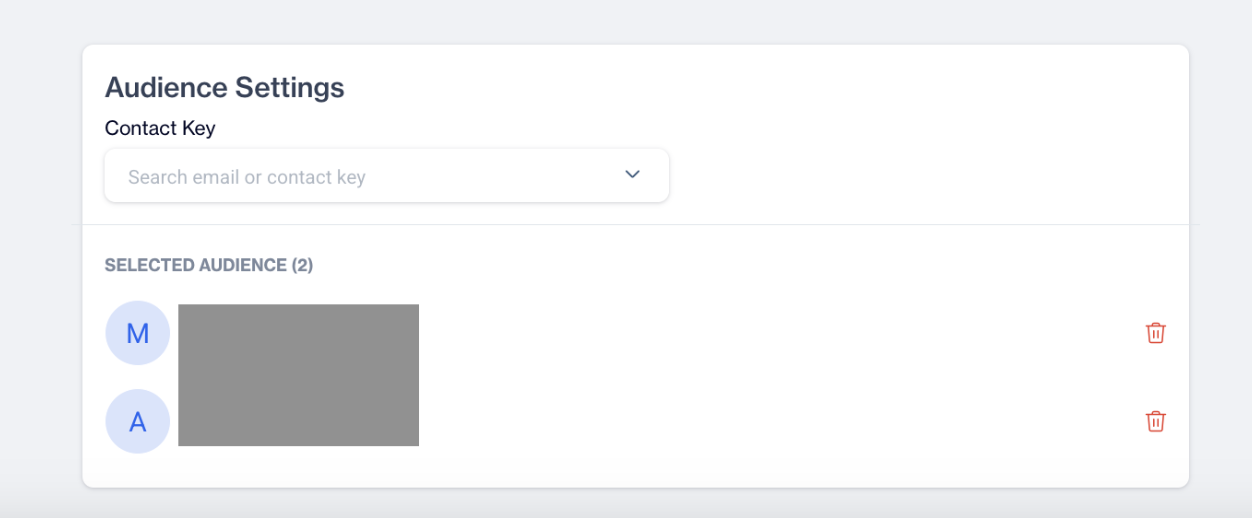
Audience Settings
How to Use Frequency Capping Exclusion
- Select a Contact Key In the Audience Settings section, use the search field to look up individual users by entering a contact key value.This search helps you locate the exact user you wish to exclude from frequency capping rules.
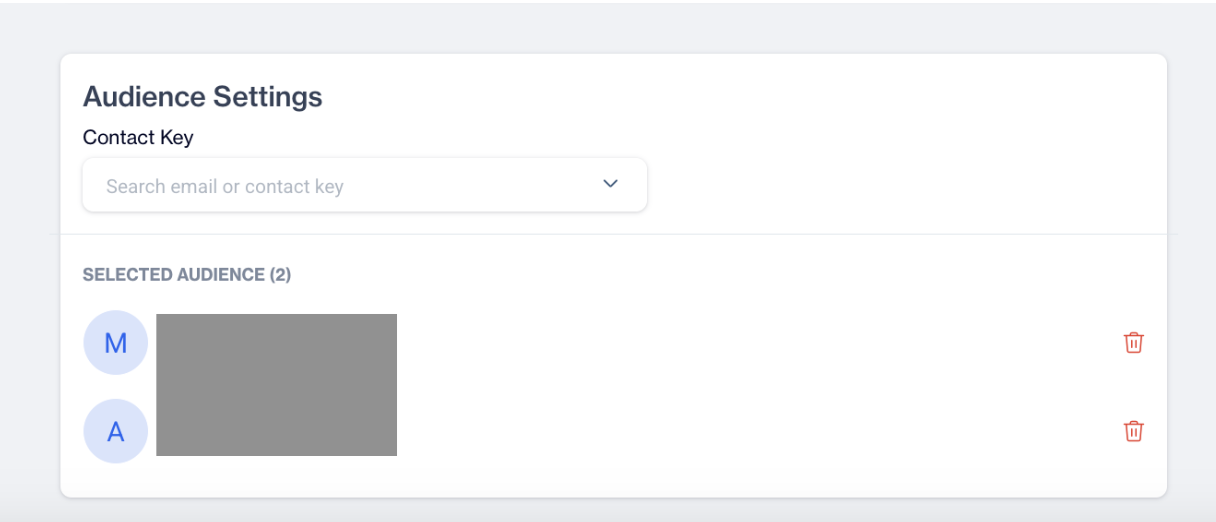
Contact Key
- Add Users to the Exclusion List; Once you've selected a contact key, manually enter the identifiers of the users you want to exclude from frequency capping. These users will be added to the Selected Audience list.
- Save Changes; After adding the relevant users, click Save to apply the changes. The users listed in the Selected Audience will now be excluded from all frequency capping rules.
Related Articles
Geofence - Frequency Capping Update
The Geofence - Frequency Capping Update gives you more control over how often users receive messages in location-based campaigns. Previously, frequency capping was mainly managed through campaign configuration rules. With this update, you can now ...Campaign
Can I limit daily message sent volume to contacts ?? Yes ?, you can do so by using the frequency capping feature under Settings. Enter the maximum number of messages that each of your contacts can receive on a daily/weekly and monthly basis, by ...Roles And Permissions
Roles and Permissions are the core of user security on the platform. Roles and Permissions form the backbone of user security on our platform. They ensure that each user has access only to the resources and functionalities necessary for their role, ...Directly on Content
Once your push notification content is successfully generated, you can make any necessary changes and save it as a draft for later use. If you’re ready to launch, publish the content to prepare it for your push campaigns. To create a campaign ...Directly on Content
Once your email content is successfully generated, you can make any necessary changes and save it as a draft for later use. If you’re ready to launch, publish the content to prepare it for your email campaigns. To create a campaign directly on ...