Adding FTP IP Restriction to Settings
The FTP Users system now includes an IP Restriction feature, allowing administrators to control FTP access by specifying allowed IP addresses.
Enabling IP Restriction
- A new "Restrict IP Access" checkbox has been added to the FTP Users screen.
- When enabled, a textbox appears for administrators to enter allowed IP addresses.
IP Restriction & Validation
- Only the IP addresses entered in the textbox will be whitelisted for FTP access.
- Invalid IP addresses cannot be saved.
Error Handling & Feedback
- Users will receive an error message if they enter an invalid IP address.
How to Use
- Navigate to Settings > Identity & Access Management > FTP Users.
- Select an FTP user from the list.
- In the user details screen, find the IP Restriction checkbox.
- Check the box to enable IP restriction.
- Enter the allowed IP addresses in the textbox.
- Save the changes.
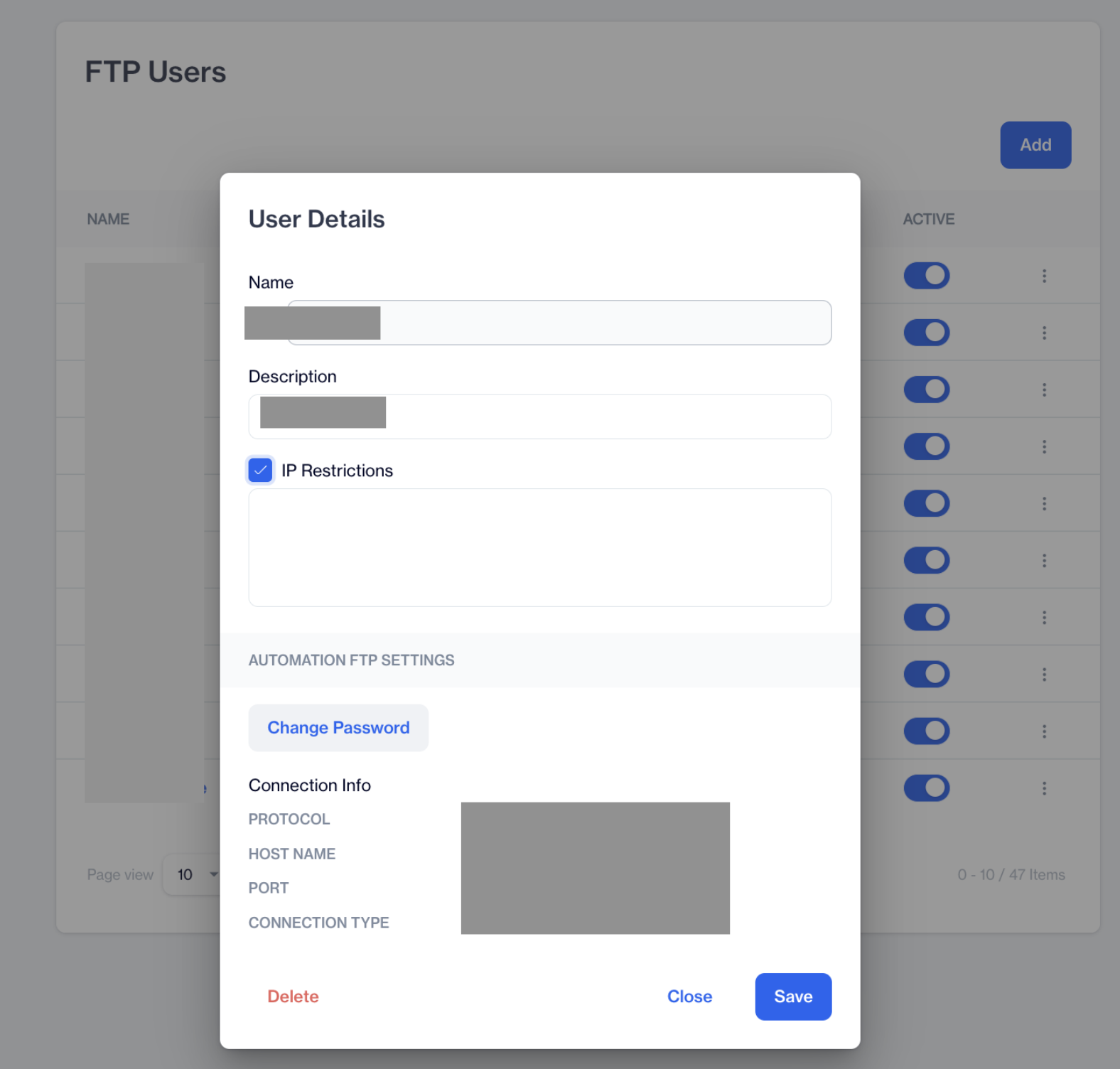
FTP Users
Related Articles
API IP Restriction
This section enables you to specify IP addresses that are allowed to connect to our REST APIs and utilize the available API functions. REST APIs are a method to integrate with our services. By default, access to REST APIs is blocked for API Users ...FTP Users
he Dengage platform supports FTPS (File Transfer Protocol Secure) to allow clients to securely integrate via file transfer protocol. The FTP Users section under Settings > Identity & Access Management allows you to manage FTP users. This feature ...Settings - Advanced Analytics
Security The Security section in Superset allows administrators to manage user access, roles, and permissions to ensure secure and controlled usage of the platform. It includes the following key components: List Users – Displays all registered users ...Delivery Settings
Delivery Settings allows users to fine tune the campaign flow by the delivery options . Available delivery settings are listed below and on this page you will find how to configure those settings. Google Analytics Hourly Capping Conversion Tracking ...Account Settings
This page allows you to change Time zone, default character set and date format of your user. The Account Settings section allows you to configure foundational settings for campaign management, including time zone, character set, and date format ...